
New on Pizzy
The self-order kiosk
Your customers order by themselves on a touch screen in your pizzeria. A shorter queue at the counter, and more time for the oven.
- No fees for your customers
- In 4 languages
- Installed with you
Why a kiosk?
During the rush, every minute at the counter counts. The kiosk takes orders while you serve.
A shorter queue at the counter
At peak time, your customers order at the kiosk instead of waiting at the counter. Your hands stay free for the oven and for serving.
At their pace, in their language
They take their time to choose, with every topping and option, in French, Dutch, English or German.
Bigger baskets
Before paying, the kiosk suggests a little extra, like a drink or a dessert. And your promotions show on the products they apply to.
Pay their way
By card on the payment terminal next to it, on the customer's phone with a QR code, or at the counter. You choose what the kiosk accepts.
Buzzer or order number
Do you use buzzers? The kiosk asks for the buzzer number, printed large on the ticket. Otherwise, the customer gets an order number.
One list of orders
Kiosk orders arrive on your Pizzy terminal, in the same list as online orders, marked as kiosk orders.
No fees for your customers
At the kiosk, your customers pay no service fee.
Customers who come back
At the end, the kiosk offers to add the order to a Pizzy account by text message. It counts towards loyalty, and a walk-in customer becomes an app customer.
What it looks like
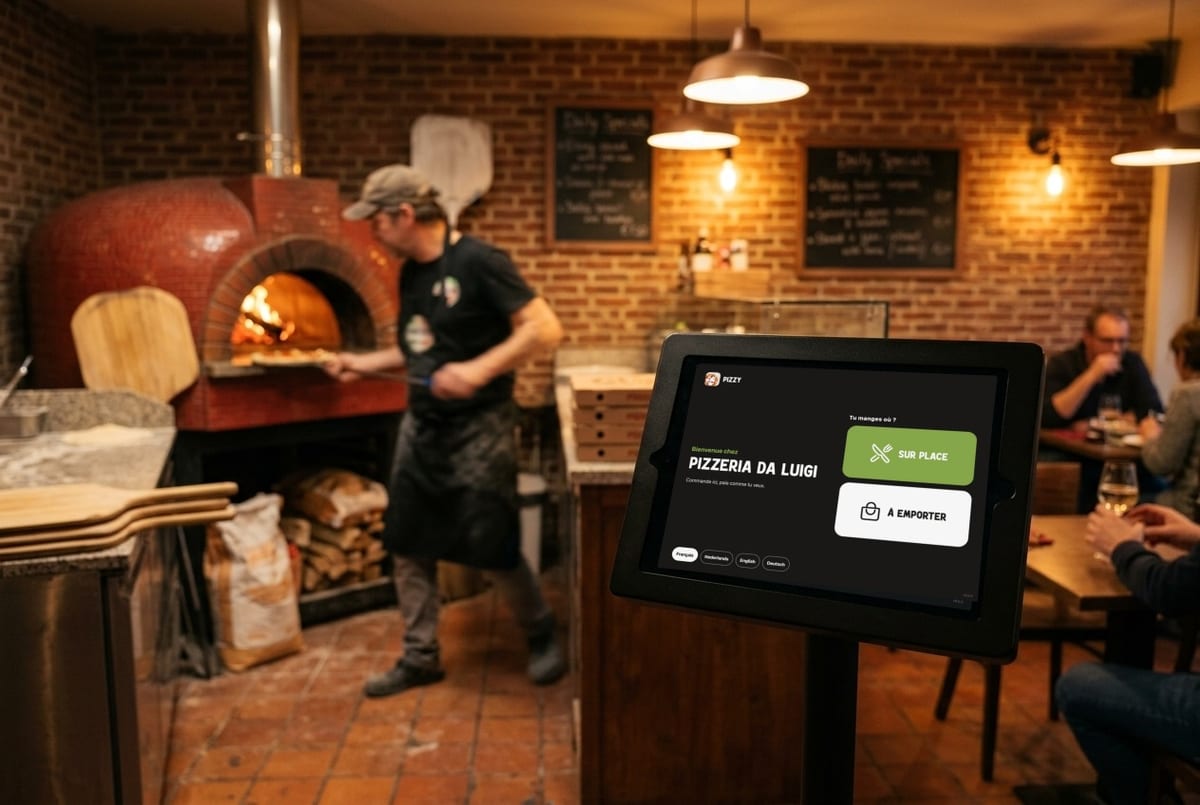
A touch screen on a stand or on the wall, with the payment terminal right next to it.
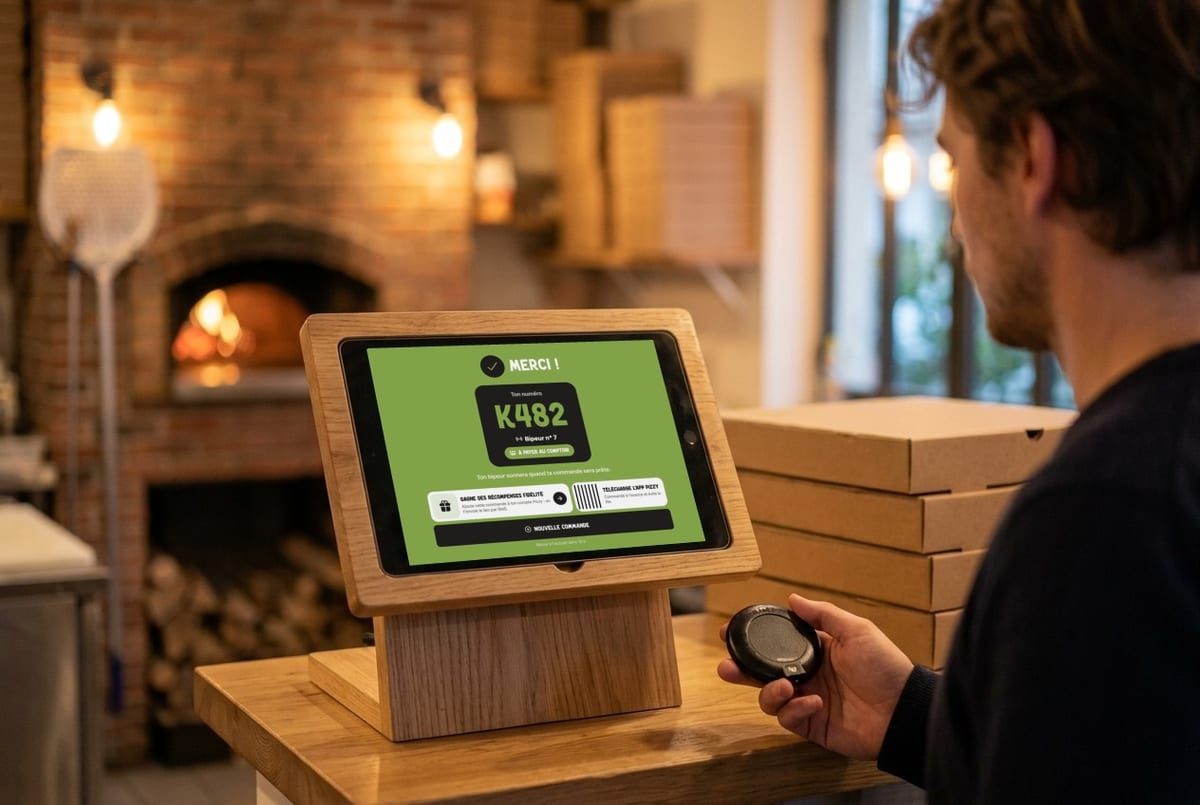
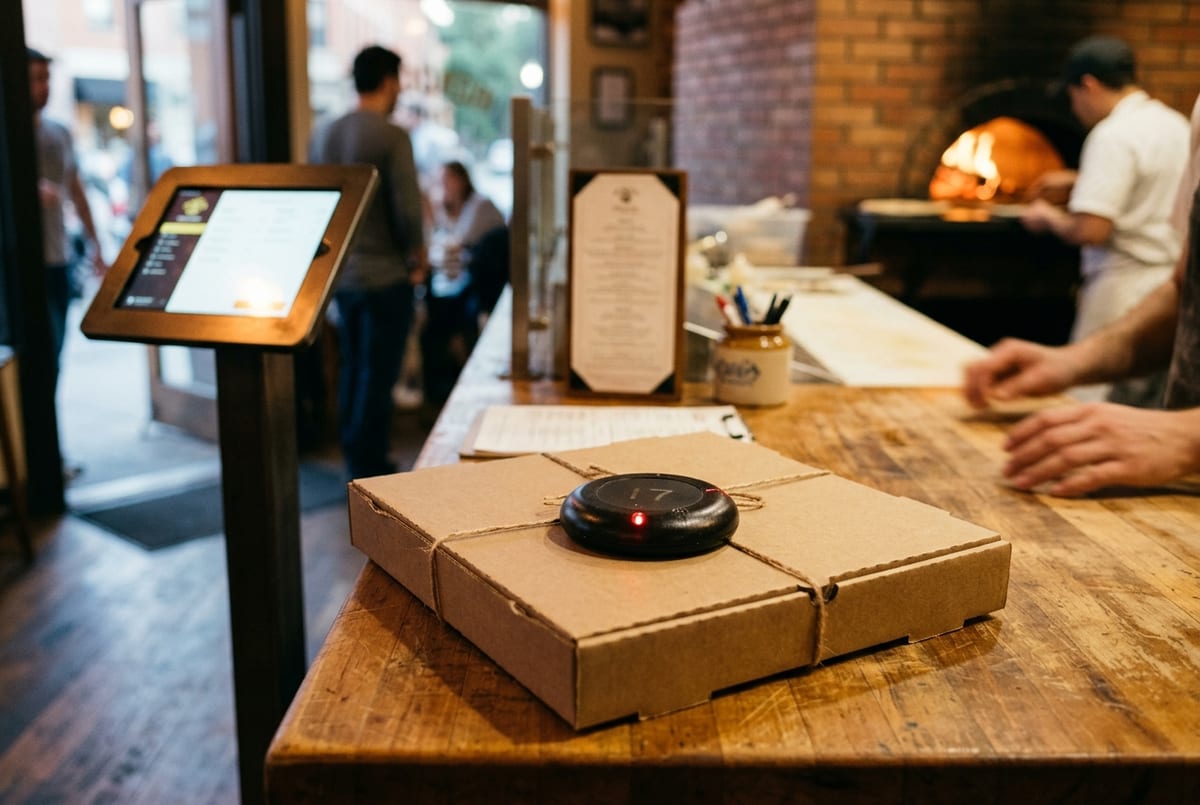
AI-generated illustrations; the kiosk screen is a real capture.
On screen
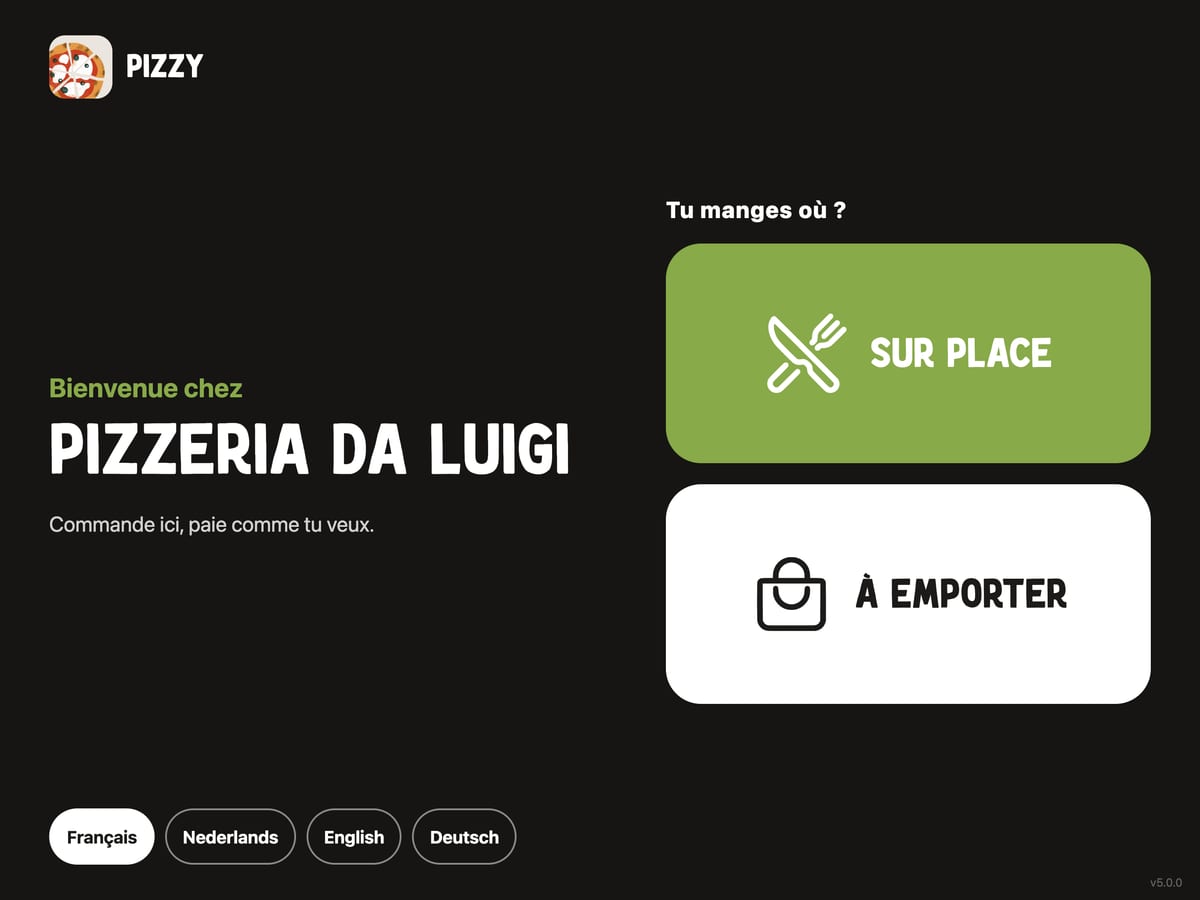
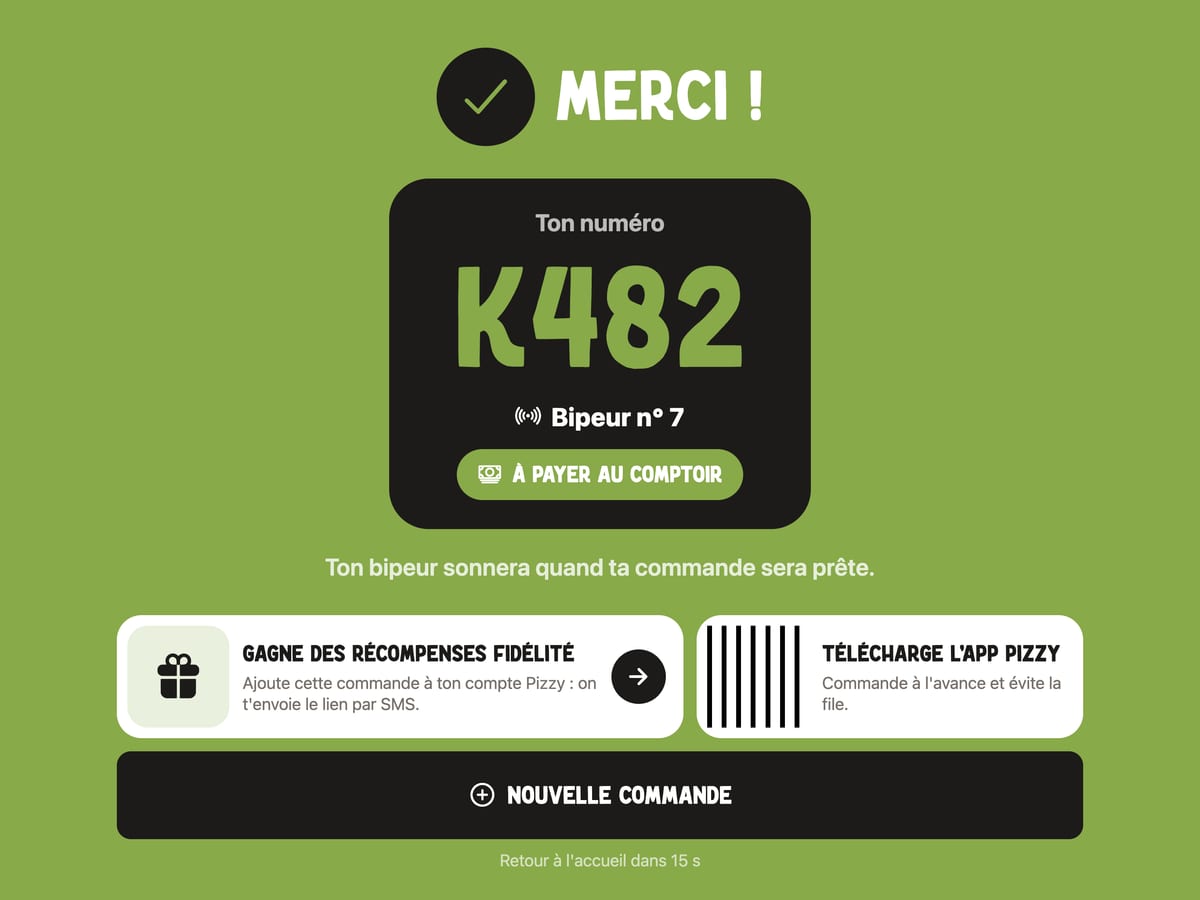
Real captures of the kiosk: the welcome screen, then the order number and the buzzer.
The hardware
Per kiosk: a touch screen (or a tablet), a stand and a payment terminal. For the screen and the stand, here are our recommendations; you are free to choose something else.
Payment terminal
€290 excl. VATper terminal
We supply it at cost and bring it on installation day. Your customer pays by card on it, right next to the screen.
Screen or tablet
Recommended: 21.5-inch Android touch screen (iiyama ProLite TW2223AS-B3P, 4 GB RAM)
Android 14, Google Play Store, built to run 24/7. Portrait or landscape.
Or a tablet: an iPad or an Android tablet. Our two 13-inch recommendations (smaller is fine too):
Stand or mount
For the screen: a VESA stand (100 × 100 mm) on the floor or on the counter, or a wall mount. For a tablet: an adjustable stand, fixed to the counter, with an anti-theft lock. Check that the height suits your customers.
Power sockets
1 socket per payment terminal and 1 socket per screen (or tablet), close to where the kiosk goes.
And a Wi-Fi connection there.
The simplest way
You buy the screens (or tablets) and stands before our visit; we come with the payment terminals and set everything up together.
How installation works
We install everything with you, in one visit.
We talk it through
A call or a message: how many kiosks, where they go, which payments to accept. We answer all your questions.
You buy screens and stands
Following our recommendations or your own choice. Then we set a date for the installation together.
We come with the terminals
We bring the payment terminals, install the kiosks and set everything up with you: payments, buzzers, welcome message.
Up and running the same day
After our visit, the kiosk is ready for its first orders.
Frequently asked questions
Do I need a subscription?
The only hardware we sell you is the payment terminal, at cost (€290 excl. VAT). We go through the terms for using the kiosk together before installation: everything is clear before you start.
How many kiosks do I need?
As many as you like. Each kiosk has its screen (or tablet), its stand and, for card payments, its payment terminal. We look together at what suits your pizzeria and your queue at peak times.
Does it work with my online orders?
Yes. The kiosk uses your Pizzy menu, with your promotions and your stock, and menu changes show up there too. Its orders arrive on your Pizzy terminal, in the same list as online orders.
Do my customers need the app?
No. At the kiosk they order without an account and without downloading anything. At the end, those who want to can add the order to their Pizzy account by text message.
What if a customer walks away mid-order?
After a while without a touch (1 min 30 by default, adjustable), the kiosk asks whether the customer is still there. With no answer, it goes back to the welcome screen: the next customer starts with an empty basket.
Which screen should I choose?
We recommend the iiyama ProLite TW2223AS-B3P touch screen (21.5 inches, 4 GB RAM). A tablet works too: iPad or Android, ideally 13 inches.
Want a kiosk?
We explain the hardware and install it with you in your pizzeria.
Let's talkor write to contact@pizzy.be